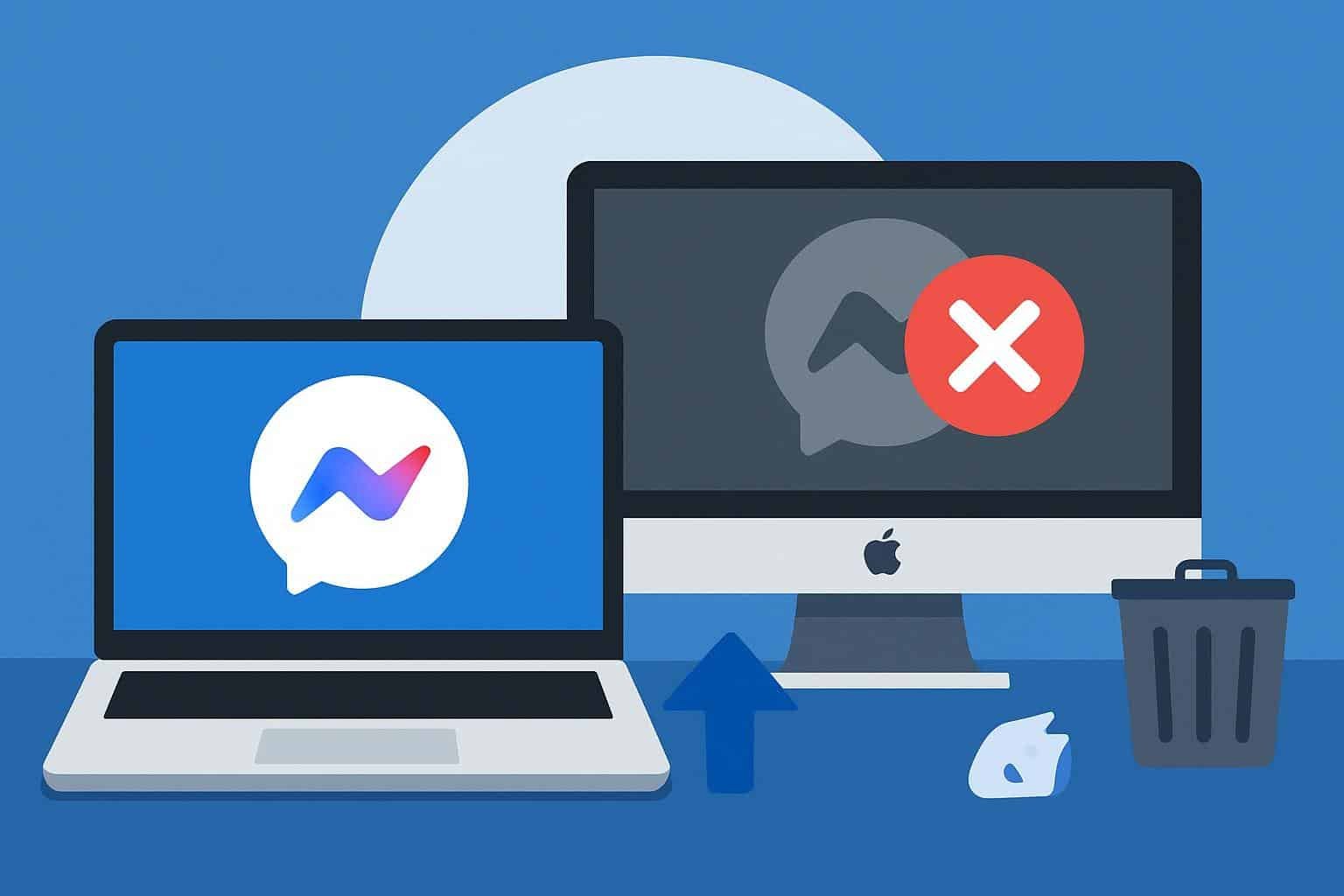
In a major change that took effect today, Facebook’s parent company, Meta, has officially shut down the dedicated desktop version of its popular Messenger service for both Windows and Mac computers. Millions of users around the world who have grown used to chatting with friends, family, and colleagues on their laptops and desktops will now have to switch to web-based access instead of a standalone app.
This shift closes a chapter in the history of one of the most widely used messaging platforms on the planet and underscores a broader transformation in how Meta serves its desktop audience. The change, effective December 15, 2025, marks the end of the native Messenger programme that many had relied on for years, as reported by TechCrunch.
Table of Contents
A New Digital Reality for Desktop Users
For users who have enjoyed the convenience of a dedicated Messenger app on their computer, the transition may feel abrupt. From today, attempting to open Messenger on a Windows or Mac device will not launch the familiar programme interface. Instead, users are automatically redirected to Facebook.com or Messenger.com in a web browser where they can continue their conversations.
Meta began preparing for this change months ago and notified users through in-app alerts, giving them about 60 days to adjust before the features stopped working. Once the deadline passed, the desktop applications became unusable. The apps have already been pulled from official stores like the Apple App Store, so new installations are no longer possible.
For many users in Nigeria and across the world, Messenger on desktop was not just about convenience. It was an important part of daily work or school routines, helping manage chats and media without needing to switch to a mobile phone every time. Now, the full messaging experience has been consolidated into web and mobile platforms.
What This Move by Meta Means for Your Messages and Data
The good news for users is that chat history, photos, videos, and other shared content are not lost with this shift. Meta has urged users to enable secure storage and set a PIN within Messenger before the shutdown. Doing so helps preserve encrypted conversations so they remain accessible when logging in via the web.
If users miss setting up this secure storage earlier, there remains a risk that some message history could be harder to recover. This makes the transition more than just a change in where you click; it requires active steps to protect important conversations.
Accessing Messenger through a browser offers virtually the same set of core features that the desktop app provides. You can send texts, share media, make voice and video calls, and manage group chats. Those who do not want to use a Facebook account can still log in through Messenger.com, a separate web address designed to support logins solely for Messenger.

Why Meta Made This Decision
Meta has not published a detailed reason for killing off the desktop app. However, industry observers say the move is part of a larger strategy to centralise messaging experiences around web and mobile platforms where the majority of engagement happens. Desktop app usage has been relatively low compared to smartphones, and maintaining separate applications for different operating systems can be resource-intensive for developers.
The company had already started shifting Messenger’s technology foundation before this decision. In September 2024, the original native code was gradually phased out in favour of Progressive Web App (PWA) frameworks that work inside browsers. This set the stage for the eventual removal of the standalone desktop programme.
Consolidating to browser experiences also means Meta can streamline updates and push features uniformly without relying on app store approvals. It also aligns with broader digital trends where many services favour web access, making it easier for users on different platforms to have similar experiences.
What Desktop Users Should Do Next
For anyone still adjusting to this news, there are a few practical steps to keep your Messenger life running smoothly from your computer.
- Bookmark Messenger in Your Browser: Open Facebook.com or Messenger.com in your preferred browser and save it to your bookmarks or desktop for quicker access.
- Enable Secure Storage: If you have not done this yet, go to Settings, choose Privacy and Safety options, and enable secure storage with a PIN to preserve your chat records.
- Consider Alternative Apps: Some users unhappy with the shift might explore other chat services like Telegram or Signal that still offer standalone desktop applications with strong privacy features.
- Use Progressive Web App Shortcuts: Many browsers allow you to ‘install’ a web page as a shortcut on your taskbar or desktop that behaves similarly to an app, which can be helpful if you prefer a one-click experience.
For users in work or school settings, it may take some time to get used to juggling messaging in a browser tab alongside other tasks. But for now, this is the new normal for desktop Messenger in 2025.
A Broader Reflection on Digital Change
This development is more than just tech news. It highlights how quickly digital habits evolve and how companies are redefining the tools we use every day. Many of us who joined Messenger in its earliest days did so because it felt like a personal space on our computers where memories were shared, and plans were made. Today, that experience moves from a dedicated application into the more fluid space of web browsers.
While some may mourn what feels like a loss, others might see opportunity in using more flexible, device-independent tools. At the same time, this change serves as a reminder to regularly back up what matters to us in digital spaces so that nothing important slips through the cracks.
For now, Facebook Messenger lives on, just in a different form. The windows and icons may have changed, but the chats and connections remain at our fingertips inside the web browser we use every day.
Join Our Social Media Channels:
WhatsApp: NaijaEyes
Facebook: NaijaEyes
Twitter: NaijaEyes
Instagram: NaijaEyes
TikTok: NaijaEyes