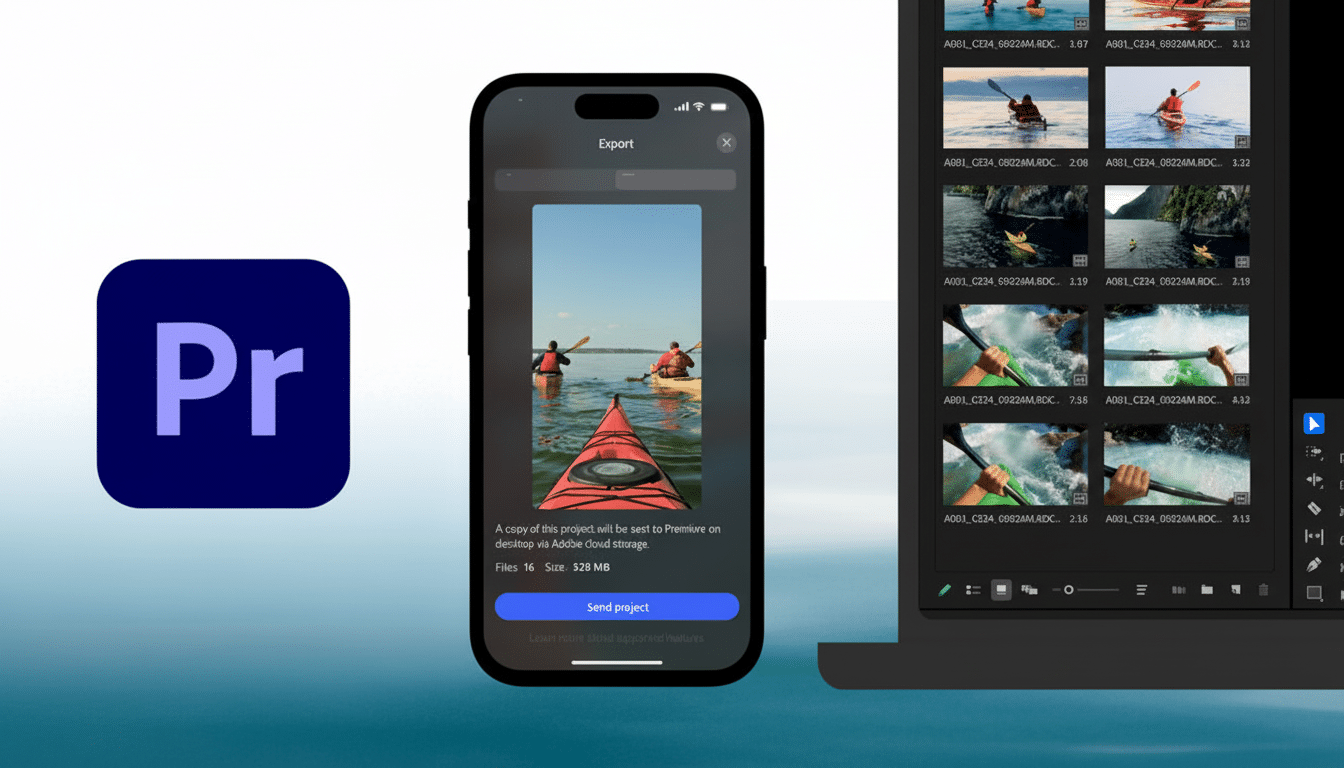
Adobe has rolled out a new “content creation hub” inside its Premiere mobile app, designed specifically for creators on YouTube Shorts. With this move, Adobe Premiere Mobile now brings powerful editing tools, ready-made templates and one-tap publishing directly into the hands of mobile users, making it far easier to produce polished Shorts content on the go.
Table of Contents
Introduction of the Shorts Hub
In a major step forward for mobile creators, Adobe has partnered with YouTube to launch a dedicated “Create for YouTube Shorts” section inside Premiere Mobile for iOS. The new workspace offers exclusive templates, transitions, and effects, all tailored for vertical, short-form videos. From the comfort of their phones, creators can now edit and publish Shorts directly to their channels, cutting out the need for desktop tools or complicated workflows.
According to Adobe, the hub is built so that whether someone is filming a quick day-in-the-life clip, a travel montage, or behind-the-scenes content, they have everything they need to “go viral”, right from their phone.
What’s Inside the New Creation Space
The “Create for YouTube Shorts” workspace includes a growing library of templates, many designed by top Shorts creators themselves. Each template comes preloaded with text overlays, transitions, effects, and titles, giving creators an easy foundation to customise with their own video, images, colours, captions or music.
Editing remains flexible: creators can import clips from their iPhone camera roll, cloud storage, or even from their Adobe Creative Cloud account. Once in the app, they can cut, trim, layer multiple video and audio tracks, adjust colours and brightness, add text and captions — basically everything you’d expect from a professional editing suite.
Beyond standard editing, Adobe layers in more advanced features to help shine up your videos: studio-quality audio polishing, AI-generated sound effects, and generative tools powered by Adobe Firefly to create unique assets, effectively giving mobile creators access to tools that once belonged only in desktop-level editing suites.
For those who are creative and generous enough to share, the hub also lets you build and submit your own templates, potentially contributing to a community-driven library that could shape future Shorts trends.
Why This Matters for Content Creators
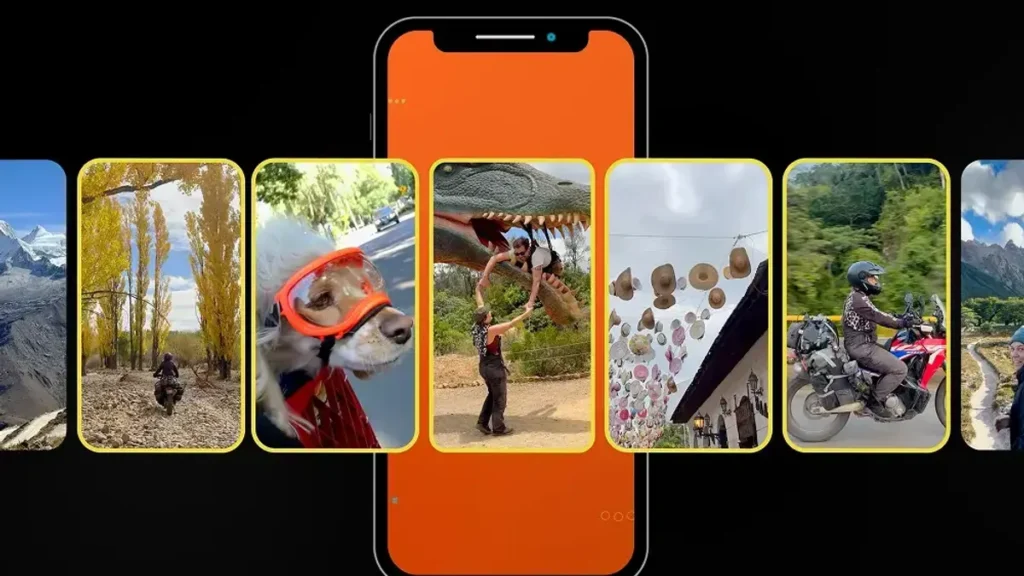
The new hub represents a significant shift for creators, particularly those working from mobile devices. With just an iPhone and the Premiere Mobile app, you can now go from concept to published Short in a few taps, without needing a powerful desktop. This lowers the barrier to entry, opening professional-quality editing to a far wider pool of creators around the world.
This is especially meaningful for creators in regions where desktops are expensive or hard to access. In Nigeria, for instance, mobile-first editing could change the game. A creator on the move can shoot, edit and publish from a phone, keeping up with trending formats and posting on schedule.
Moreover, because the templates can come from existing top Shorts creators, it enables a remix-and-reuse culture — enabling new creators to build on proven styles, while veteran creators get a chance to influence broader trends.
Finally, by embedding this hub directly inside Premiere and giving one-tap publishing to YouTube Shorts, Adobe and YouTube are making a strong push to lure creators away from competing tools (like CapCut or Meta Edits) and deepen the creative ecosystem around Adobe.
How to Get Started
Getting started is simple.
- Download Premiere Mobile from the iOS App Store.
- Sign up (free) for a Premiere Mobile login and ensure you have an active YouTube account.
- In the app, tap the “Create for YouTube Shorts” or “Create for YouTube” option. That opens up the hub — templates, editing tools and all.
- Upload your footage (from camera roll, cloud, or Creative Cloud), apply a template or edit from scratch — cut, trim, overlay text, adjust colours, add audio or effects.
- Once you’re happy, export with Shorts-friendly settings and publish directly to your YouTube Shorts feed — no desktop involved.
Whether you’re a beginner or an experienced creator, this setup promises to streamline the road from idea to published Short.
What This Means for the Future of Short-Form Content Global, and for Nigeria
The arrival of a robust, mobile-first editing hub from Adobe could reshape how creators approach short-form video worldwide, especially in markets where phones are the primary digital tool. With editing and publishing possible from anywhere, content creation becomes more democratic.
For Nigeria and similar markets, that means local stories, travel, lifestyle, culture, and daily life can now be captured, edited, and shared with global audiences almost instantly. Creators don’t need expensive gear; what matters is creativity and access to a smartphone.
Furthermore, the community template feature could drive a wave of locally inspired Shorts, as Nigerian creators remix global templates with African flair, generating unique content that resonates both at home and abroad.
In a fast-evolving digital space, where attention is fleeting and trends move fast, this new hub gives creators speed, flexibility, and polish. For many, it’s a golden opportunity to carve a space on global platforms without the traditional gate-keeping.
Adobe and YouTube have laid the tools on the table. Now it’s up to creators, from Lagos, Abuja, or anywhere, to pick them up and make magic.
Join Our Social Media Channels:
WhatsApp: NaijaEyes
Facebook: NaijaEyes
Twitter: NaijaEyes
Instagram: NaijaEyes
TikTok: NaijaEyes