
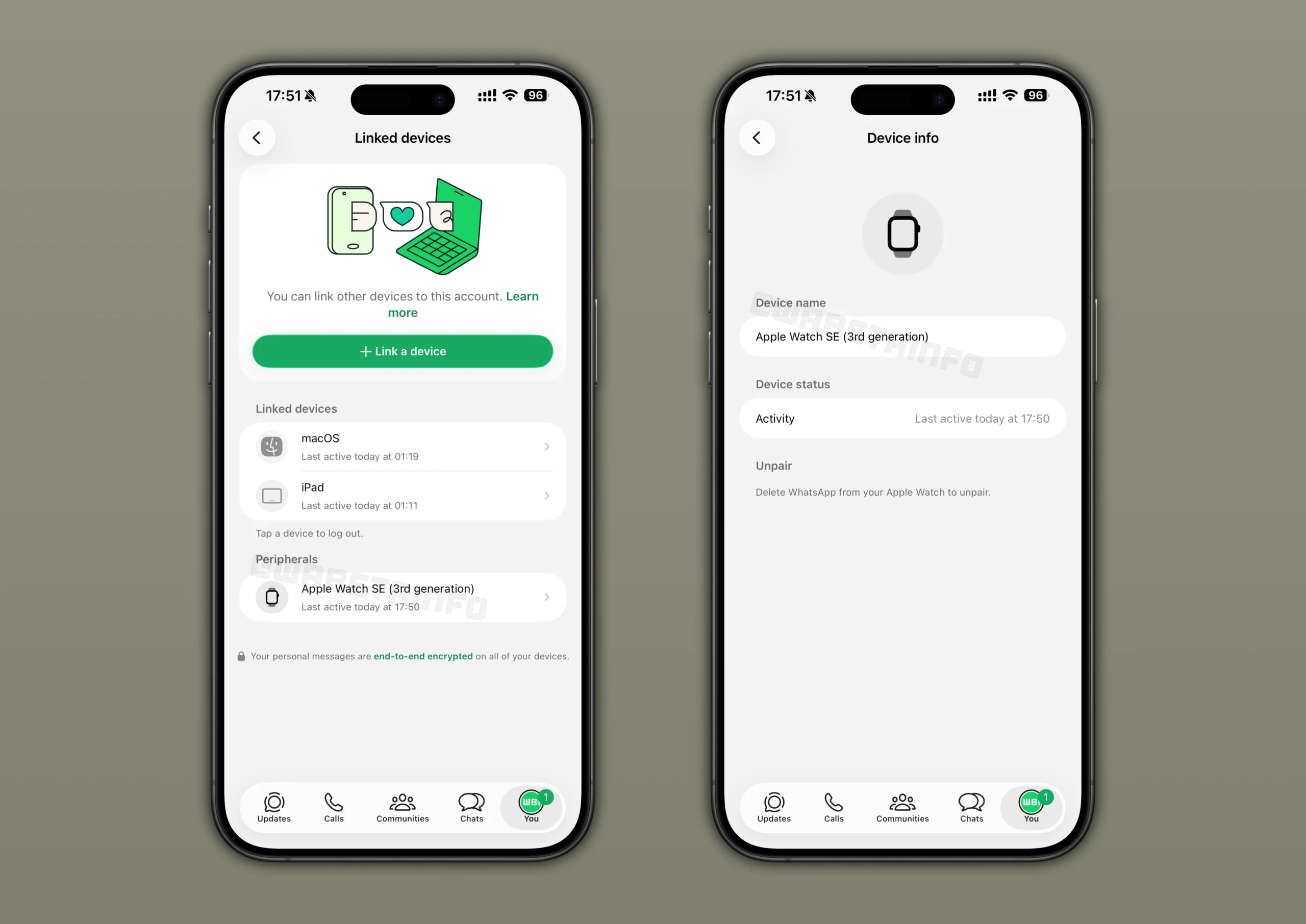

WhatsApp is trying out a new feature that will give iPhone users better visibility of what devices are linked to their account. The update shows connected peripherals such as smartwatches directly in the app so users can know immediately which gadgets have access to their messages and notifications. This feature is currently being tested with a group of users, but signals a broader change in how WhatsApp handles transparency and account security.
In Nigeria today, the app is many people’s go-to app for family chats, business communication and community groups. Still, until now, it has been hard to know if other devices quietly share access to the same account. Many of us link devices like laptops or smartwatches and simply forget about them. With this new update rolling out to iOS devices, WhatsApp wants to make those connections easier to spot right inside the app.
How the New Connected Devices Screen Works
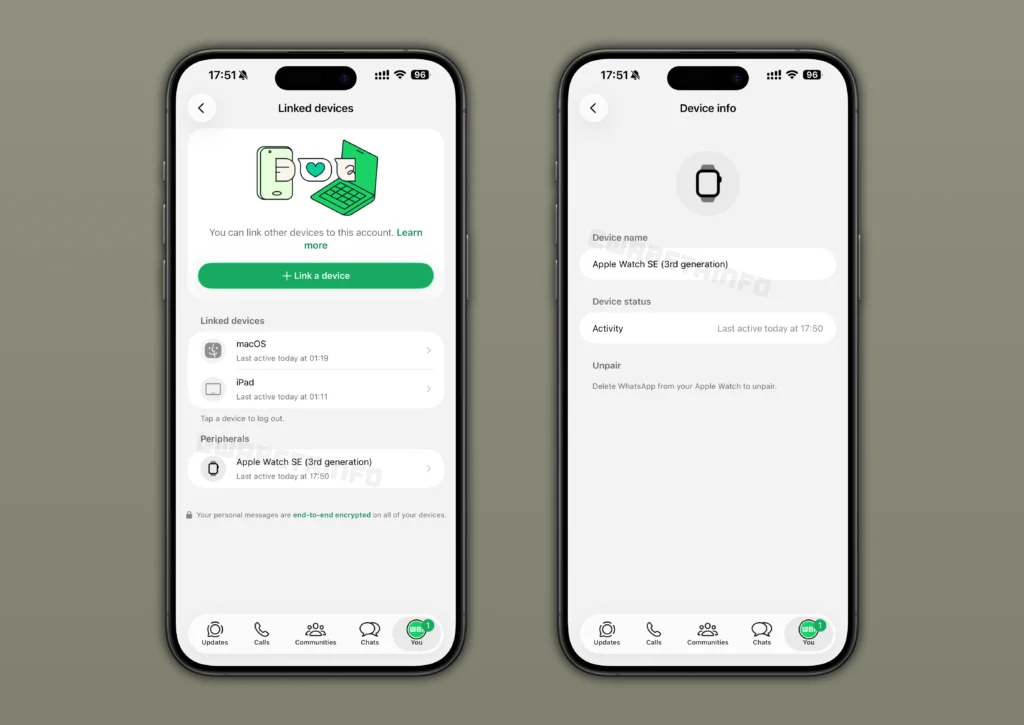
The heart of this update is a new section inside WhatsApp’s existing Linked Devices menu. Instead of listing only connections that require manual setup with a QR code, WhatsApp will now show connected peripherals that link quietly in the background. Feature observers first noticed the change in the iOS beta version numbered 25.37.10.71 inside Apple’s TestFlight platform. Some users on the stable version of the app have also reported seeing the new list.
Peripherals such as the Apple Watch appear in this new list with information including the device name and the last time it was active. This helps users confirm that messages and notifications on their watch are matching what they see on their phone, and makes it easier to spot unexpected connections.
WhatsApp designed this system so that linking happens automatically for supported accessories. It removes the need for QR codes or verification codes for gadgets that are meant to pair seamlessly with the iPhone. That convenience, however, has also meant that users could be unaware that a peripheral is connected at all. The new screen aims to fix that.
What This Means for WhatsApp Security and Transparency
By showing connected peripherals alongside manually linked devices, WhatsApp is adding a layer of transparency that many users have wanted for years. Until now, regular linked devices, like computers or tablets, have appeared only after you scan a QR code. But some devices, like wearables, connect quietly once Bluetooth or ecosystem permissions are granted. This made it hard to see which hardware has ongoing access to your chats.
Already, this change could help users in several ways. First, you can quickly notice if a gadget you no longer use is still linked. It gives you peace of mind and helps prevent confusion when messages do not sync properly. Second, it brings clarity for accounts used across multiple devices, such as in small businesses or family settings. Finally, the update may help protect users from unnoticed connections in cases where someone else might have linked a device without permission.
At the moment, the Apple Watch is the only peripheral confirmed to appear in the list. That is likely because WhatsApp only recently released an official app for the wearable, making it one of the first accessories designed to work closely with the messaging platform. With time, other smart gadgets could also show up here as WhatsApp expands the feature to more users.
How to Remove a Connected Device
Unlike a traditional linked device, where you can disconnect directly inside WhatsApp’s settings, peripherals are handled slightly differently. If a smartwatch or other gadget shows up in your list and you want to unlink it, you must remove the WhatsApp or related companion app from the device itself. Once you uninstall that app, WhatsApp stops syncing messages with the peripheral and automatically removes it from your linked list.
This approach underscores how deeply integrated these accessories are with your phone and WhatsApp account. For users in Nigeria who rely on watches or other wearables to stay on top of messages, understanding this difference matters. It helps explain why you cannot simply press a button inside WhatsApp to disconnect a peripheral in the same way you do with a laptop or tablet.
Security observers have noted that showing peripherals in the app could also reduce certain risks. For example, if a partner’s gadget somehow pairs with a user’s account without direct notice, seeing the device listed would alert the account owner sooner. In that way, the update can act as an additional safeguard and might encourage WhatsApp to develop even more tools for device management in future updates.
What to Expect Next from WhatsApp
WhatsApp regularly updates its app with new functions, especially through its beta programmes, before ushering them into the stable version. This test of connected peripherals suggests the company is maturing its approach to account transparency and security for its hundreds of millions of users around the world.
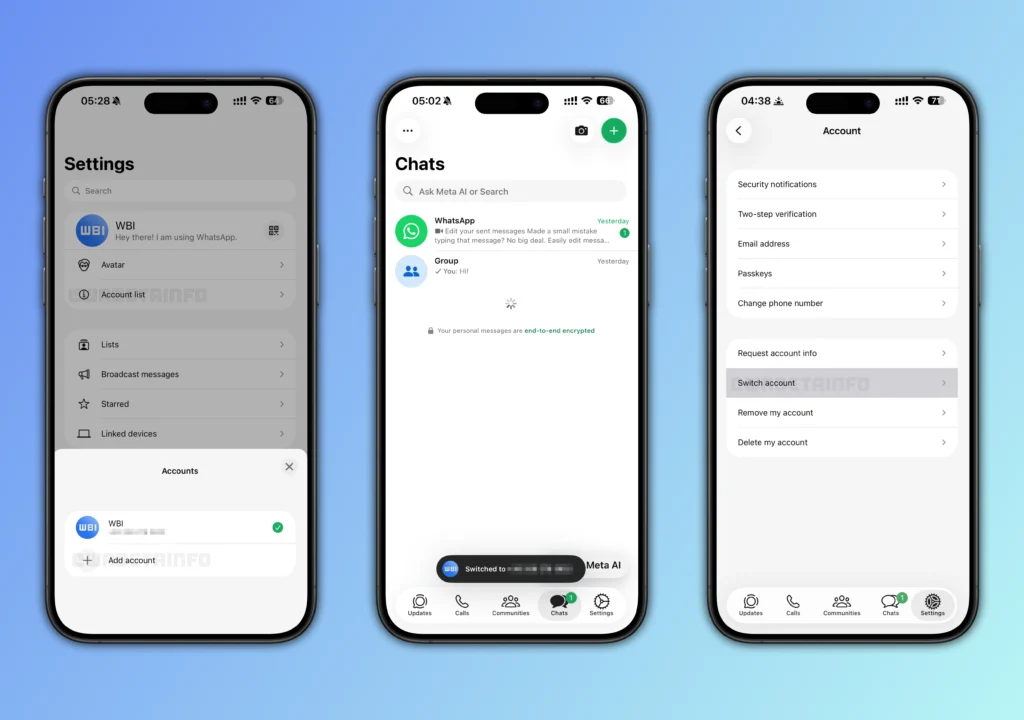
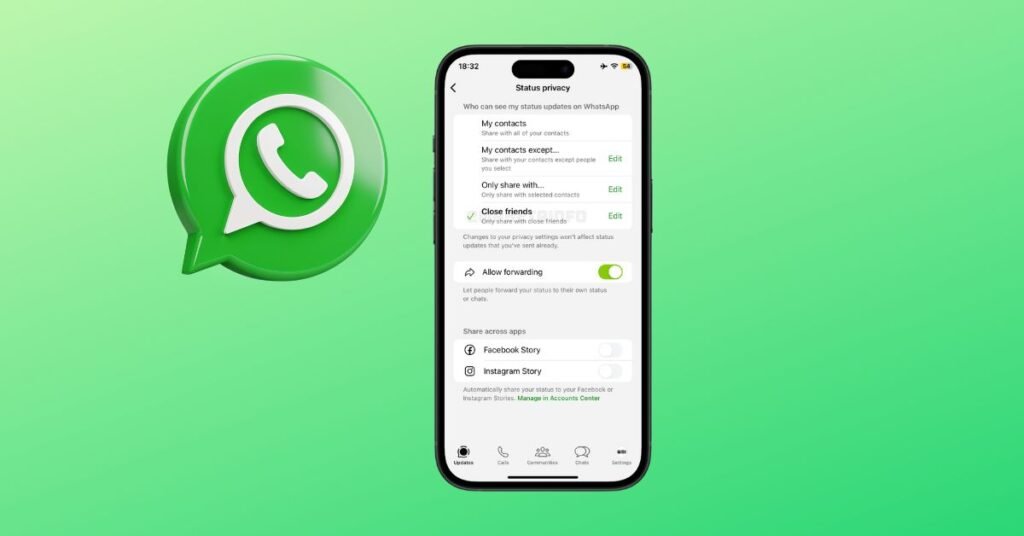
In addition to this test, WhatsApp has been experimenting with other enhancements, such as multiple account support on iOS, better privacy settings, and new interactive features for channels. These developments point to a broader effort to refine the platform for both casual users and businesses.
For now, you can join WhatsApp’s iOS beta programme via Apple’s TestFlight if you want to try the connected peripherals feature early. Otherwise, keep your app updated on the App Store and watch for announcements as the feature becomes widely available. Either way, this update is a step towards giving users better control and clearer information about how their WhatsApp account is used.
Overall, the aim is simple: to make sure WhatsApp users in Nigeria and everywhere else know exactly what devices have access to their chats and notifications. That clarity is vital in an era where people rely on multiple gadgets to stay connected throughout the day.
Join Our Social Media Channels:
WhatsApp: NaijaEyes
Facebook: NaijaEyes
Twitter: NaijaEyes
Instagram: NaijaEyes
TikTok: NaijaEyes